

Announcement
Trusted by 1,799+ GTA players
Custom GTA Emblems,
In Under 3 Minutes.
Upload your own image or generate one with AI, let our generator convert it to SVG, and publish it straight to your Rockstar Social Club crew — manually or fully automatic.
2-hour free trial
Works on any device
AI, Manual & Automatic modes

Why GTA Uploads
Everything you need to publish emblems
Built from the ground up for Rockstar Social Club — with automatic optimization that keeps your emblems under the size limit and looking sharp.
AI Image Generation
Don't have artwork? Describe what you want and our AI creates it for you — fully optimized and ready to publish.
Fully Automatic Deploy
Works on mobile & desktop — skip the Rockstar Editor entirely. Our bot joins your crew, publishes, and leaves.
Auto-Optimize Engine
Tests every resolution, color mode, and setting, then picks the recommended combination automatically.
Zero Data Retention
We never store your images, SVG code, or personal information. Everything is processed in-memory and discarded.
Instant Activation
Payment processed? Your account is live in seconds. No waiting, no manual approval — start generating immediately.
Real Human Support
Our support team is active in Discord and by email. Get answers from real people working directly with GTAUploads.
Get Started
Three ways to create. One bot to deploy.
Pick the generator that fits your workflow — Manual, AI, or the fully Automatic path that combines both with our deploy bot.
Automatic Generator
The best of both worlds. Upload your own image, Optimize, Generate — then our upload bot deploys it to your crew for you. No console, no copy-pasting, no AI.
1
Import Your Image
Upload your own PNG/JPG/SVG, or generate one with AI from a prompt.
2
Auto-Optimize
Auto-picks the best settings — or fine-tune with Manual Controls.
3
Enter Crew URL
Paste your Rockstar Social Club crew link — the bot knows where to go.
4
Generate
One click produces the final, size-optimized emblem ready to ship.
5
Deploy to Crew
The bot joins your crew, publishes the emblem, and leaves. Done.
AI Generator
Don't have an image? Describe what you want and our AI creates it for you — fully imported and auto-optimized, paste your crew URL and deploy using the upload bot.
1
Fill out the prompt
AI Generates the image for you & imports it.
2
AI Auto-Optimize
Auto-picks the best settings — or fine-tune with Manual Controls.
3
Enter Crew URL
Paste your Rockstar Social Club crew link — the bot knows where to go.
4
Generate
One click produces the final, size-optimized emblem ready to ship.
5
Deploy to Crew
The bot joins your crew, publishes the emblem, and leaves. Done.
NOTE: Images generated with AI may be watermarked, if you dont want this, use DALL-E or DeepAI Off-Site to create them for you, then, use the Automatic or Manual generator for uploading.
Manual Generator
The OG of GTAUploads — Import your image, Generate the code, Copy/Paste into R* Emblem Editor Developer Console (F12). No bots, No AI, No Failures.
1
Upload Your Image
PNG, JPG, or SVG. Square images work best.
2
Auto-Optimize
Or fine-tune with Manual Controls for custom tweaks.
3
Generate Code
Compact SVG snippet ready for Rockstar's editor.
4
Publish to Crew
Paste into the console on Rockstar's Emblem Editor (F12).
Free Trial
Try it free for 2 hours
Full access to the AI Generator and Manual Generator. Upgrade anytime for the Automatic Generator with our deploy bot.
Simply Copy/Paste the details below on the Stripe Trial purchase page and hit 'Pay' —— You WILL NOT be charged.
Card
4242 4242 4242 4242
Expiration
01/70
CVV
123
Name
John Doe
Zip
92704
⚠️ Limited to 1 per account.
⚠️ Trial card only works on the trial plan.
⚠️ Trial does NOT include the Automatic Generator (deploy bot).
Watch It In Action
See the workflow in 3 minutes
Import, optimize, generate, and publish — start to finish, in one short video.
- Import an Image (Best 256x256 Resolution)
- Watch Auto-Optimize pick the recommended settings
- Turn on Manual Controls for custom tweaks
- Copy the generated code with one click
- Paste your code into Rockstars Emblem Editor using your Browser Console (F12)
Made With GTA Uploads
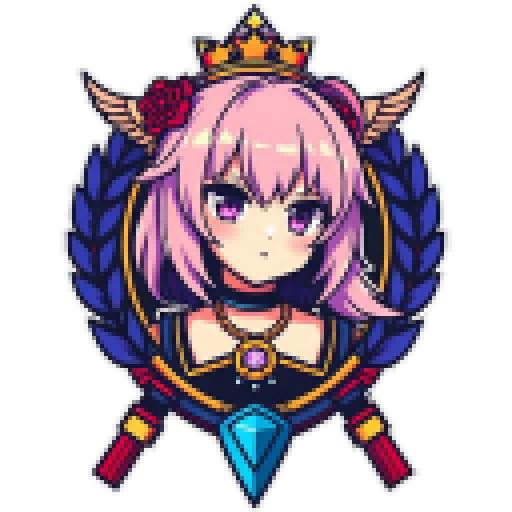
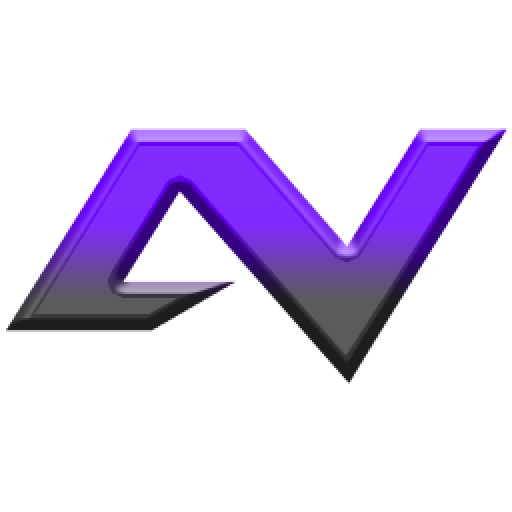
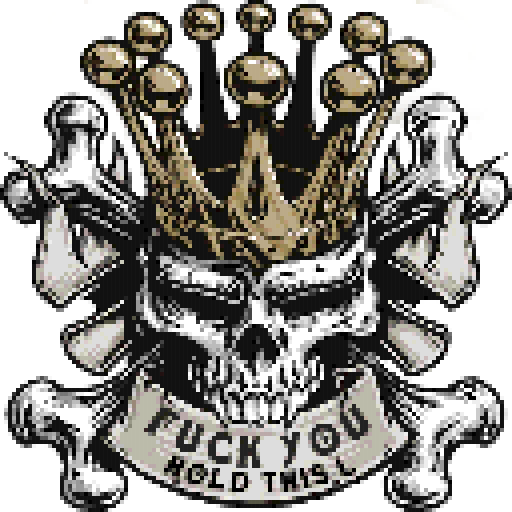
Emblems from our official crew
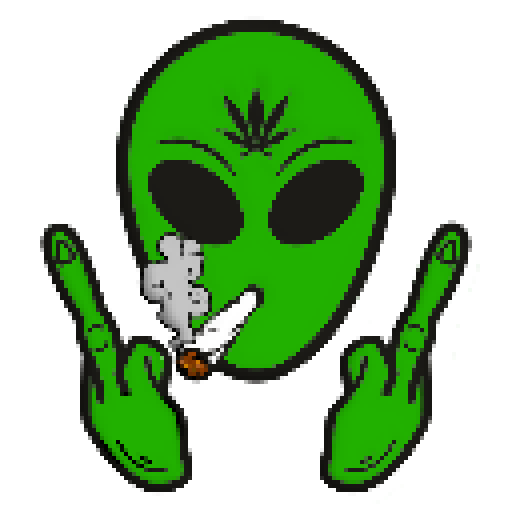
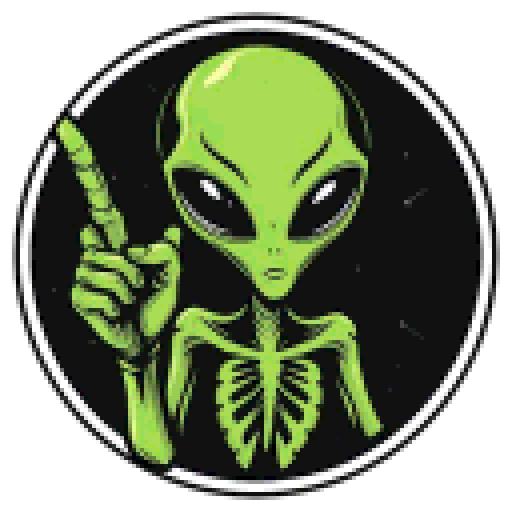
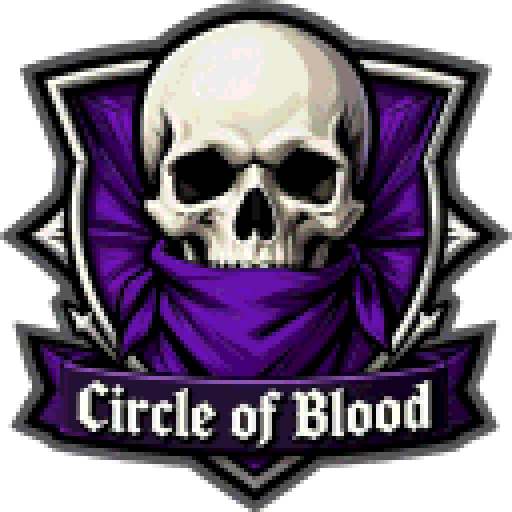
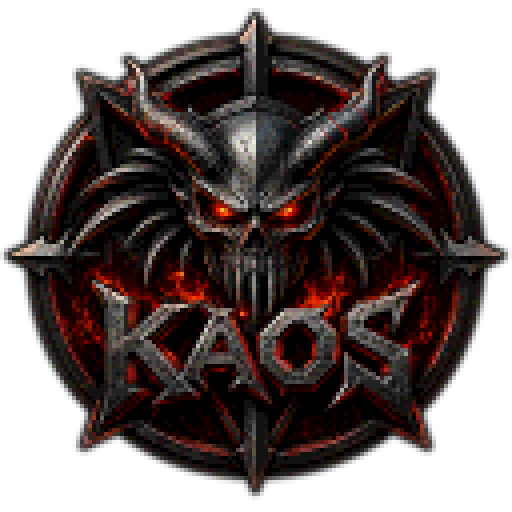
A small sample of what our tool can produce. We never feature user-uploaded emblems without written permission.










Latest Updates
News & announcements
Bot Account Login Issue Resolved – Manual Verification Now Supported
Service Notice — Stats Fix & URL Validation
Good To Know
Common questions & policies
Everything else you might want to know before you start — from content rules to troubleshooting.
What's the difference between the Manual, AI, and Automatic Generators?
- Manual Generator — You upload your own image, optimize it, copy the SVG code, and paste it into Rockstar's editor yourself.
- AI Generator — You describe what you want, our AI creates the image, and it's auto-optimized for you. You still paste the code yourself.
- Automatic Generator — Combines both: upload your own image or generate one with AI, then our upload bot joins your crew and publishes the emblem for you. No copy-pasting, no console commands.
What content is prohibited on Rockstar Social Club?
Rockstar's platform prohibits the following in emblems:
- Pornography or sexually explicit material
- Hate speech, racial slurs, or discriminatory content
- Gang-related symbols or references
- Copyrighted or trademarked material without permission
- Any content violating their Terms of Service
🔒 We never store your images, SVG code, or personal information.
My emblem isn't showing up in-game — what should I do?
Give it 20–30 minutes and then clear your game cache by restarting GTA V. Rockstar's publishing pipeline can lag. If it still hasn't appeared after an hour, try re-publishing from the Social Club editor.
Why does my SVG code fail with a size error?
Rockstar caps emblems at 1.26 MB of raw SVG data. Resize your image to 256x256 resolution and if needed, reduce the Palette Size slider, switch to Low Color Mode, or drop to a smaller resolution like 128px or 64px. Auto-Optimize does all of this automatically.
Can I use the generator on mobile?
Yes — but there's a catch. Trial Plan users need to paste their code into the Rockstar Editor on a desktop browser, since Rockstar's editor doesn't support mobile. Automatic Generator subscribers can skip the editor entirely thanks to our deploy bot — just paste your crew URL and hit Deploy.
Is my account at risk of being banned?
Our tool uses Rockstar's own publishing endpoints — the same ones the official editor uses. As long as you follow their content guidelines, you're fine. We assume no liability for accounts penalized for uploading prohibited content.
What does the free trial include?
The free trial gives you 2 hours of AI & Manual Generator access — describe what you want or upload an image, optimize, and generate SVG code as many times as you like. It does not include the Automatic Generator (deploy bot), which requires a paid subscription.
Ready When You Are
Start creating your first emblem today.
Join thousands of GTA players who've already upgraded their crew's identity. Free to try, instant activation, always available.
Instant activation
Works on any device
Zero data retention
Human support
Disclaimer: GTA Uploads provides an emblem generation tool for use with Rockstar Games' Social Club platform. We assume no liability for actions taken against your account for misuse of our service.
🔒 No data retention: We never store uploaded images, generated codes, or personal information. 🖼️ Gallery: Emblems shown are from our official crew only.